A programming puzzle game where every level is solvable with real code — no pseudocode, no drag-and-drop, no training wheels.
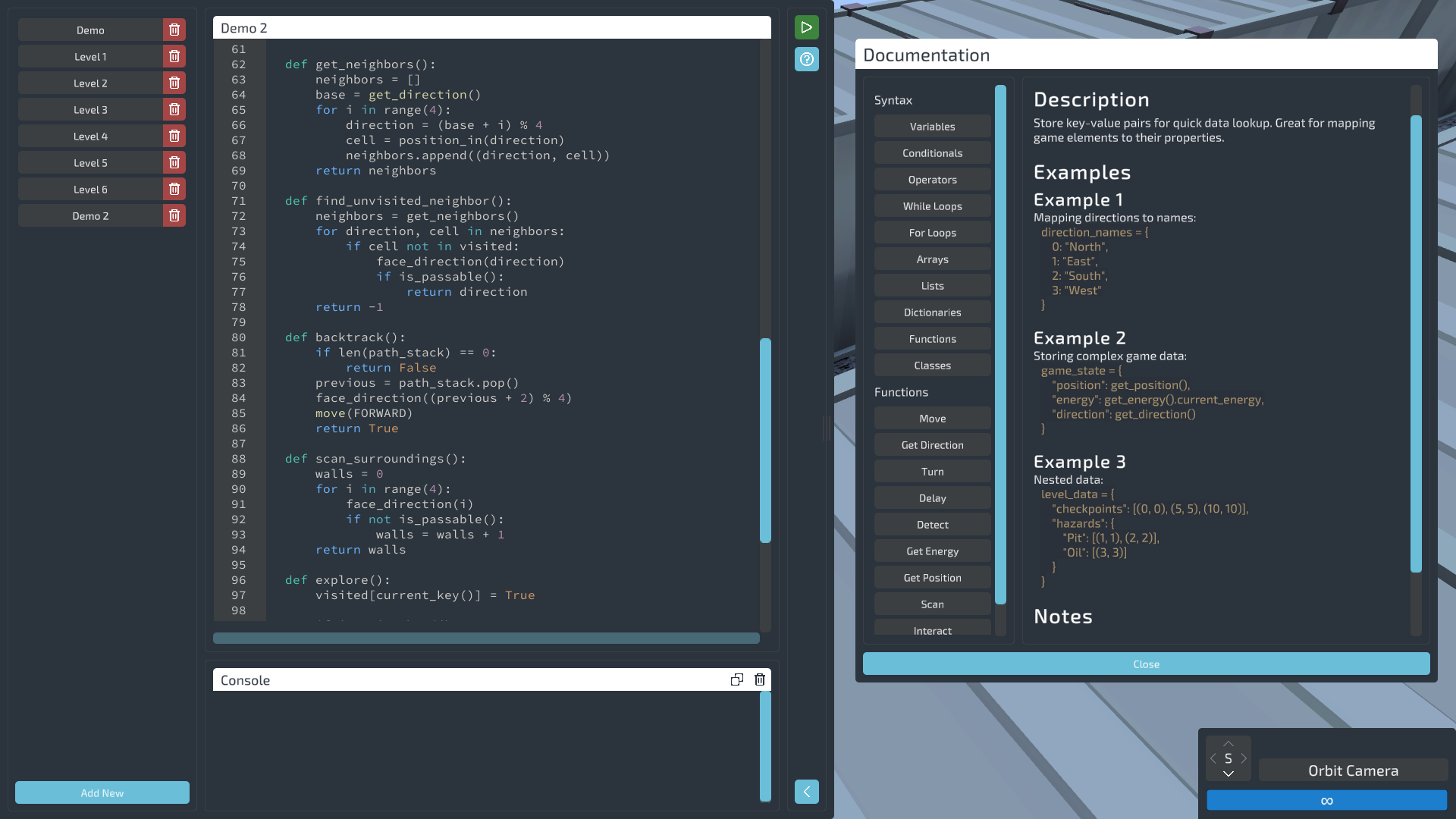
Droning On runs on a language that looks and feels just like Python. You're not flipping switches or dragging block icons around — you're writing real code against a custom interpreter modeled on Python, then watching Gizmo execute it.
Whether you're learning to code from zero or you've been shipping production code for a decade, the challenges meet you where you are. Every level is solvable in multiple ways. Cleverness is rewarded; verbosity isn't punished.
move_result = move(MoveDirectionEnum.Forward) while True: move_result = move(MoveDirectionEnum.Forward) if move_result == False: turn(TurnDirectionEnum.Left) pass
Write real code in a language with the same syntax and structure as Python — a custom interpreter modeled on Python's behavior. The code is real, the tracebacks are real, and what you learn here transfers anywhere.
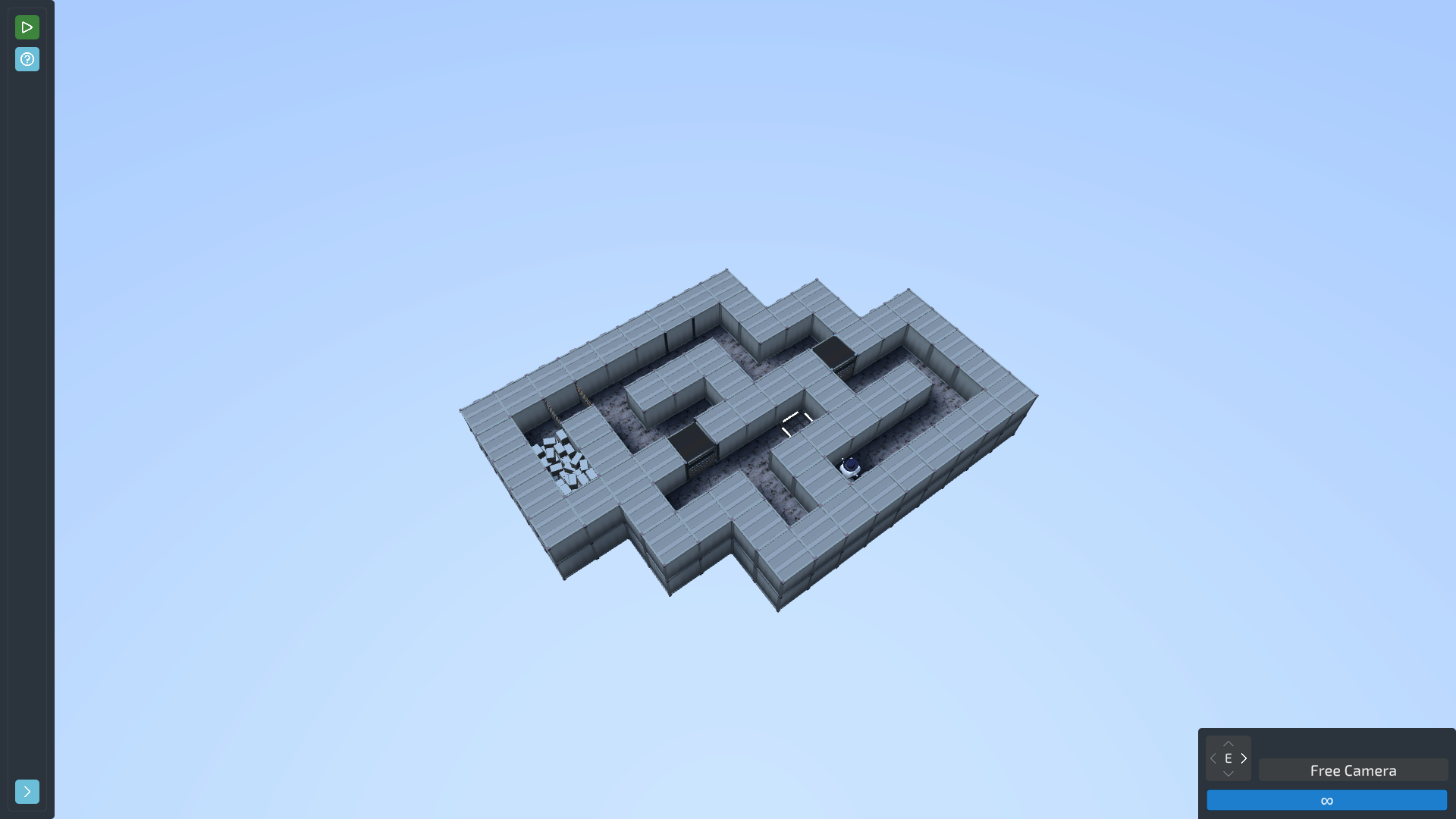
Starts at basic movement, builds to functions, arrays, and algorithmic thinking — with new mechanics added along the way. Stuck? Each level contains a three-tier hint, there if you want it.
Scripts live as plain .py files. Edit them in-game, or in VS Code, PyCharm, whatever you like — save, and Gizmo picks up the change live.
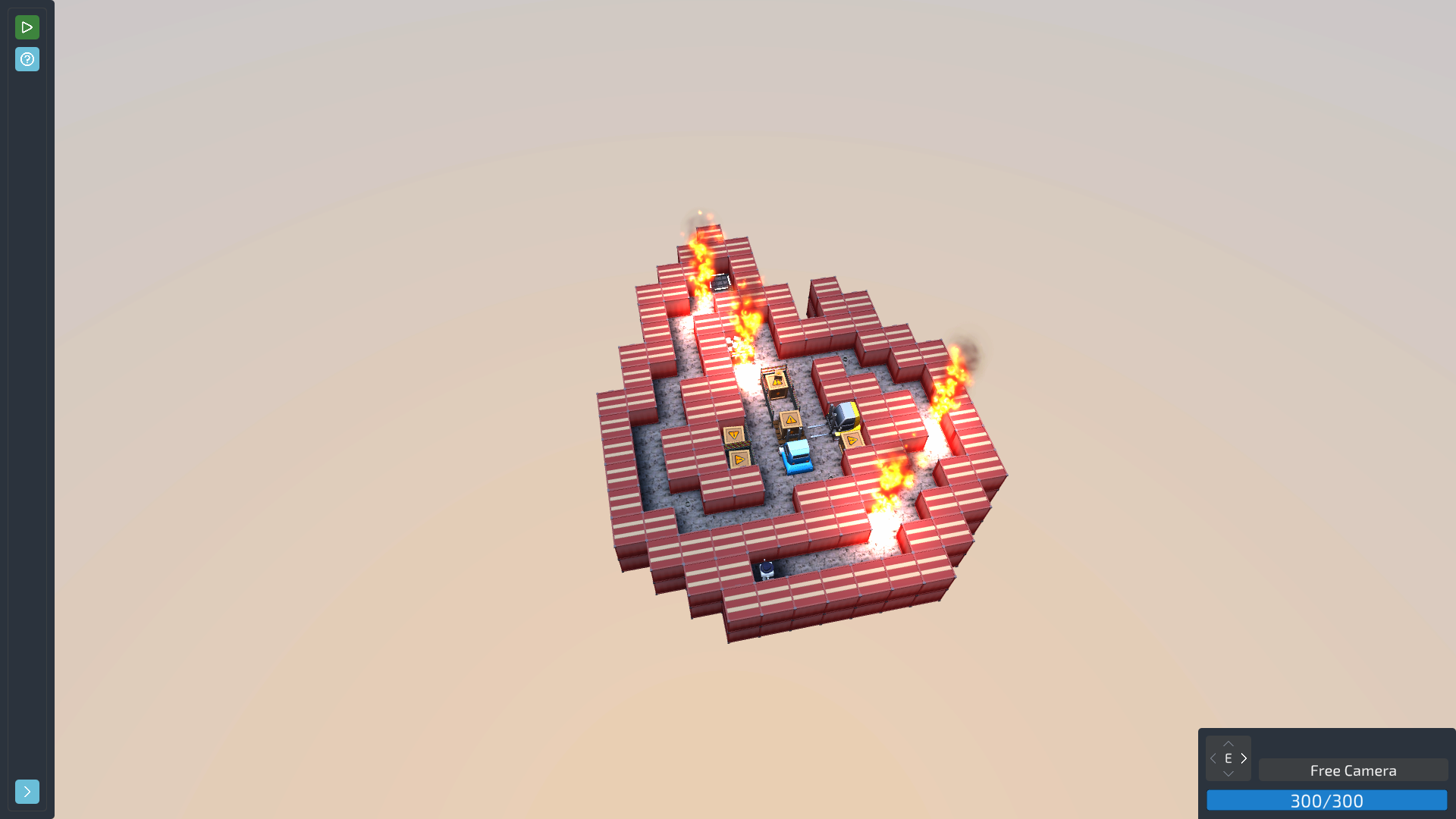
Sliding tiles, memory-match cards, hidden traps, slippery oil slicks. Each one bends the rules a little.
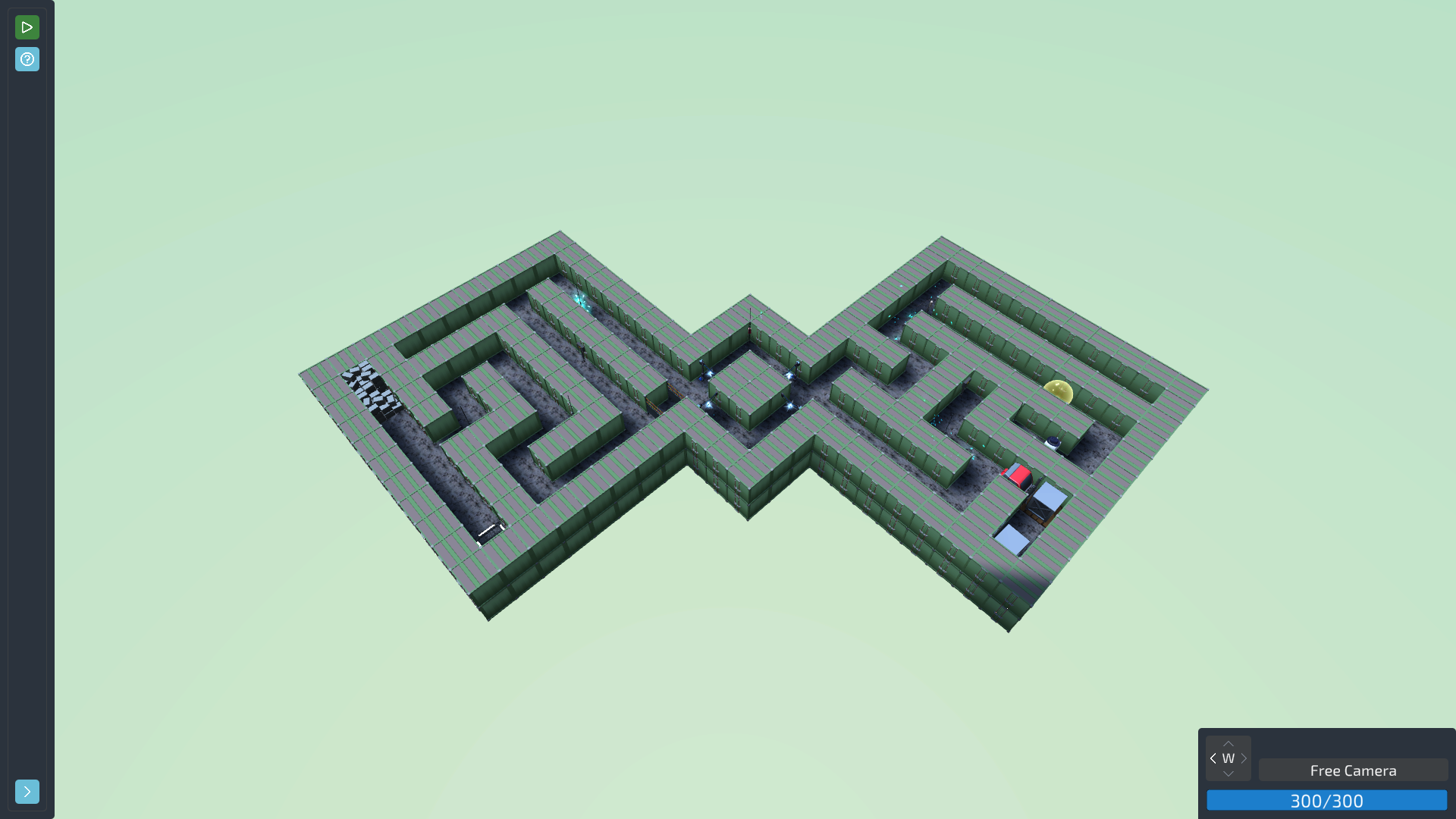
Procedurally generated runs with escalating difficulty. Collect Trinkets, survive, climb the global boards.
Every hazard and interactable laid out for inspection. Resettable challenges. A theater area with green-screen modes.
Every stage across every mode has its own leaderboard. Track personal bests, compete with friends.
That's the fun of programming — no two solutions have to look alike. Brute force or one-liner, the only judgement is whether your code runs.
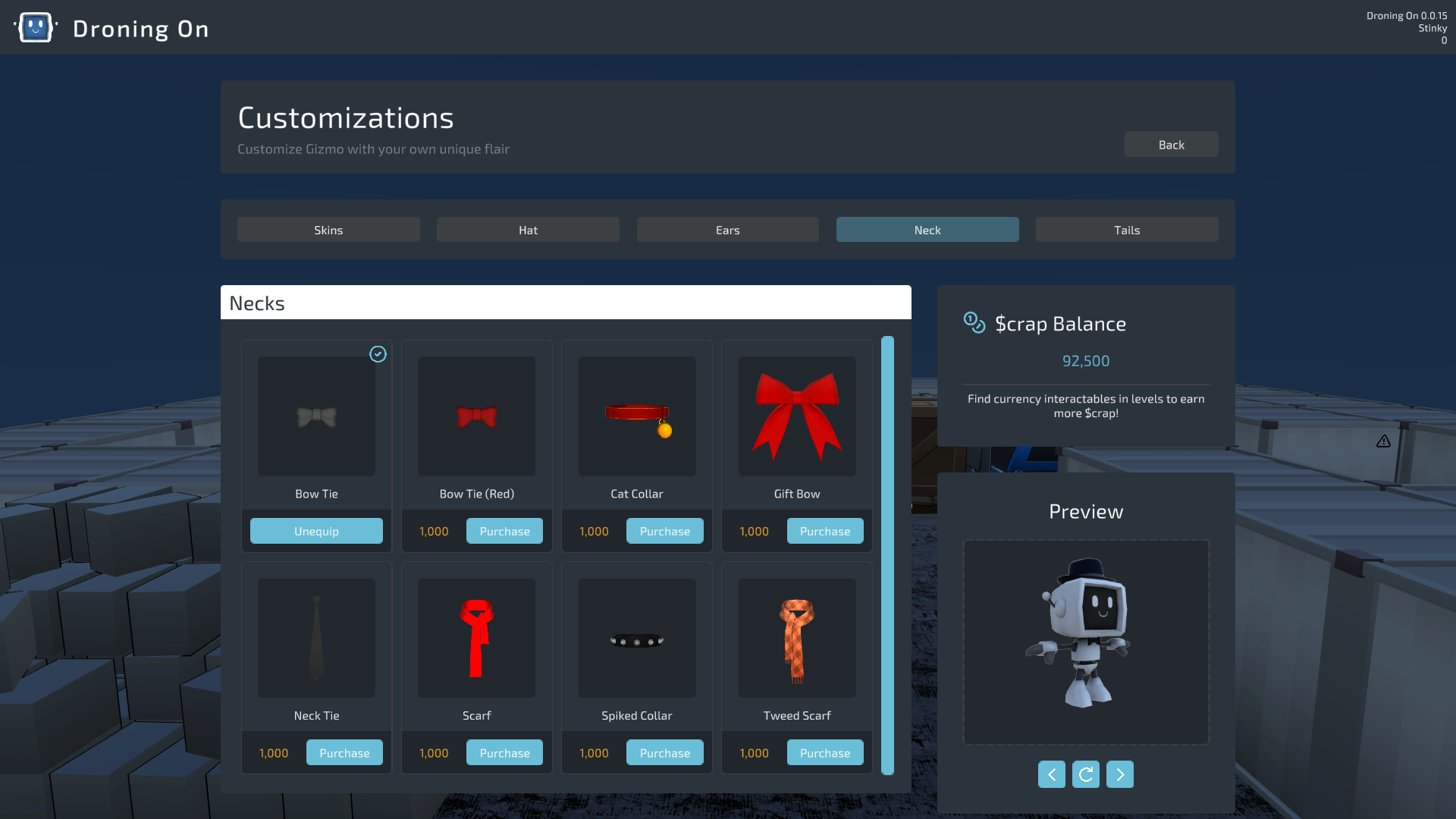
Earn $crap to unlock skins, hats, ears, neckwear, tails. Cosmetic-only, cross-mode.
.py files, so your editor highlights them like any other Python.
.py file on disk. Write it in the in-game editor, or open it in VS Code, PyCharm, or whatever you live in — with live reload, Gizmo picks up your changes the moment you save. Since the files are plain Python, your editor treats them like any other .py. And if you live in VS Code, we made a Droning On syntax-highlighting extension that adds highlighting and autocomplete for Gizmo's API — moves, turns, scans, and the enums.
move() up through functions, classes, and algorithms. Puzzle Mode is 13 standalone challenges that don't play by the usual rules. Endurance is procedurally generated and effectively endless — it scales until your code or your energy gives out, with global leaderboards on every stage. The Sandbox is there for free experimentation, plus there's a wardrobe of cosmetics to earn along the way.
mesa on Intel/AMD, the proprietary driver on NVIDIA. If you're on Snap Steam, switch to the Steam .deb package or the Flatpak version for better native-game compatibility.
Curious what we store when you submit a run? Our privacy policy spells out exactly what the leaderboard service collects and why.
Hang out with other players. Get bug fixes faster. Influence the roadmap.
Build notes, update changelogs, behind-the-scenes mechanics breakdowns.
Player screenshots, guides, discussions, and the leaderboards.
Droning On is a game about writing code to solve grid puzzles. It is also, unavoidably, a game where you spend a lot of hours looking at one small robot.There are currently…
↗Droning On lets you fast-forward. Once your script works, watching Gizmo walk fifty tiles at a dignified pace is not entertainment; it's a commute... so there's an execution speed…
↗Droning On has global leaderboards on every level and in Endurance Mode, and the entire point of them is that the number next to your name means something. A leaderboard nobody…
↗Bootcamp is twenty levels long, and it's the front door to everything else in Droning On. Puzzle Mode is behind it. Endurance Mode is behind it. So are the feature unlocks…
↗Droning On ships with a code editor. It has syntax highlighting, error underlines, a console, a run/stop button, and it is a perfectly good place to write a solution. It is also…
↗Free to wishlist. Get a Steam notification the day it launches.
Wishlist on Steam ↗